Feature #484 — Clear auto-signed signature when un-approving JSA document
Issue: #484 Reporter: Kang-Supreeya Date: 2026-02-25 Priority: Medium Type: Bug
Description
เจ้าของงาน/จป. : JSA-การประเมินความเสี่ยง กดอนุมัติเอกสารเเล้วให้ลายเซ็นที่บันทึกไว้ที่ "ข้อมูลส่วนบุคคล">"ลายมือชื่อส่วนตัว" เด้งมาอัตโนมัติในช่อง "ลงนาม" หลังจากนั้นกดยกเลิกอนุมัติ (toggle off) แล้วลายเซ็นไม่ถูกลบออก
When WO/SO clicks "อนุมัติเอกสาร" on a JSA form, the system auto-fills the signature slot (feature #477). But when they click the same button again to un-approve (toggle off), the auto-signed signature remains instead of being cleared.
Location
เจ้าของงาน/จป. > เครื่องมือ > จัดเตรียม JSA > การประเมินความเสี่ยง > อนุมัติเอกสาร (toggle off)
Screenshots
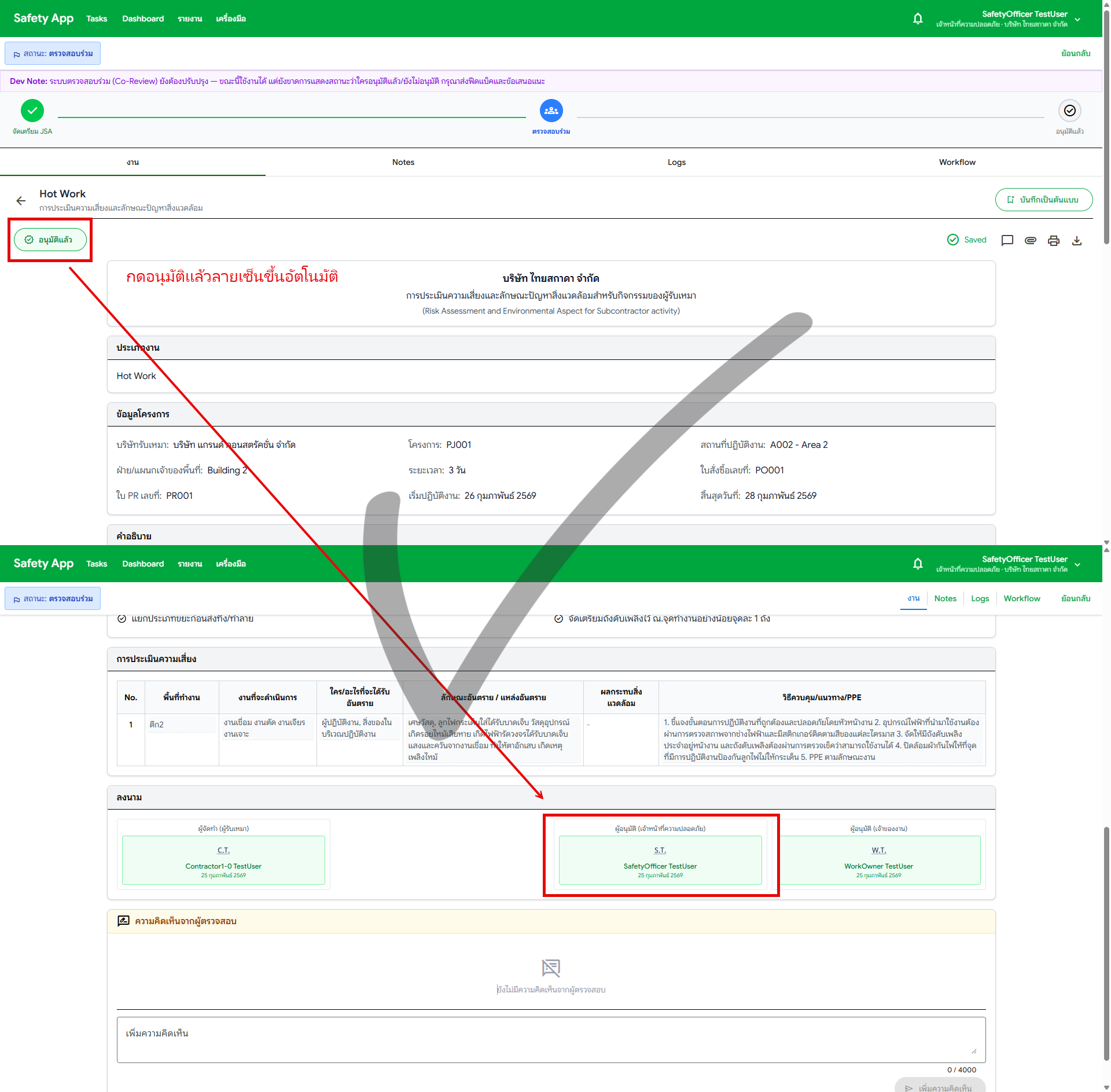
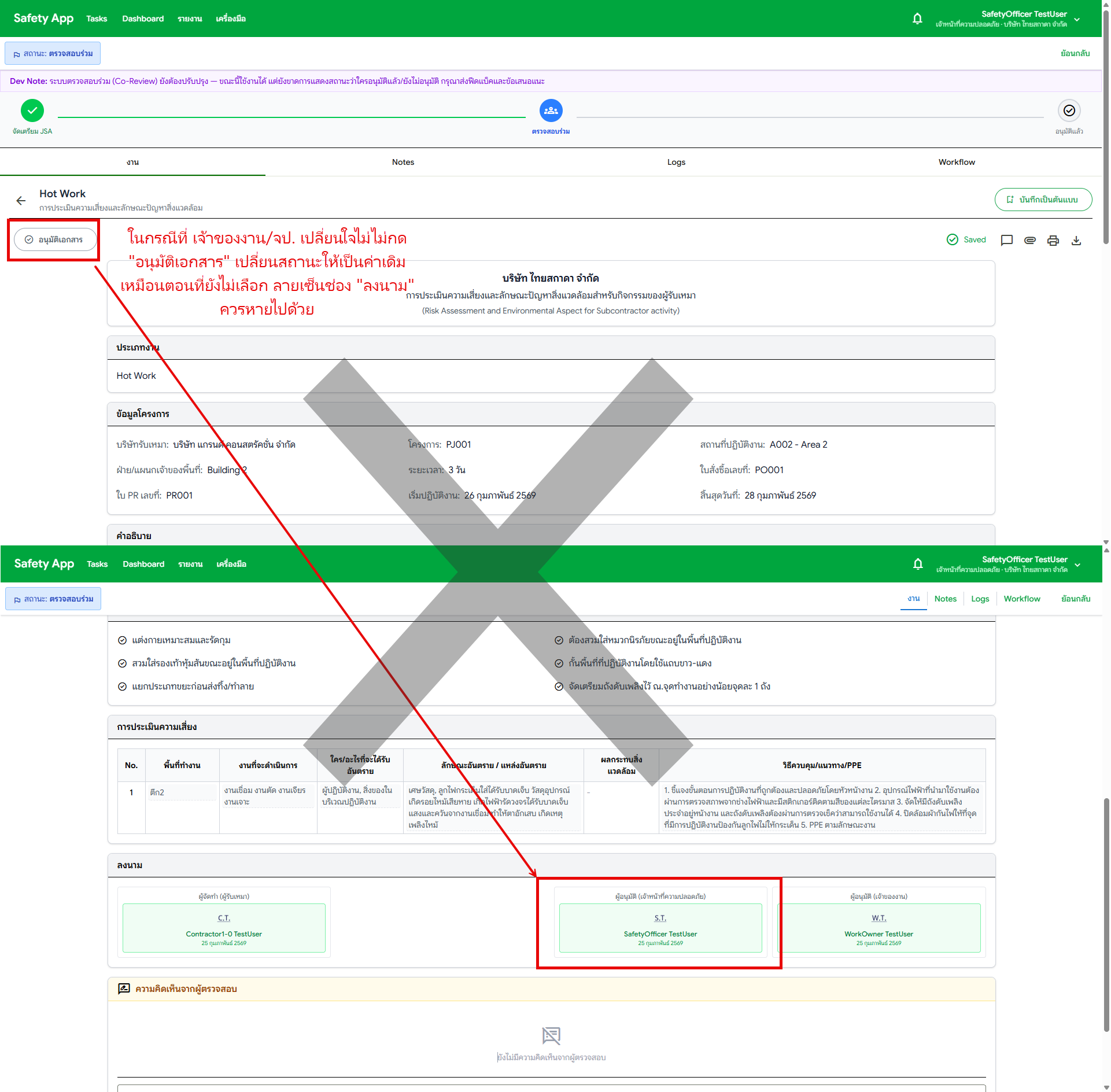
Current vs Desired
| Aspect | Current | Desired |
|---|---|---|
| Un-approve flow | Approval status removed but signature remains | Signature cleared when un-approving |
| Toggle behavior | Approve → auto-sign, Un-approve → signature stays | Approve → auto-sign, Un-approve → signature cleared |
Acceptance Criteria
- WO/SO clicks "อนุมัติแล้ว" (toggle off) and auto-signed signature is cleared
- Only clears signatures that were auto-signed (approvalMethod === 'personal-signature')
- Manually drawn signatures are NOT affected by un-approve