Bug #454 — Admin: Stamp logo upload does not display
Issue: #454 Reporter: Kang-Supreeya Date: 2026-02-19 Severity: Critical Frequency: Always
Description
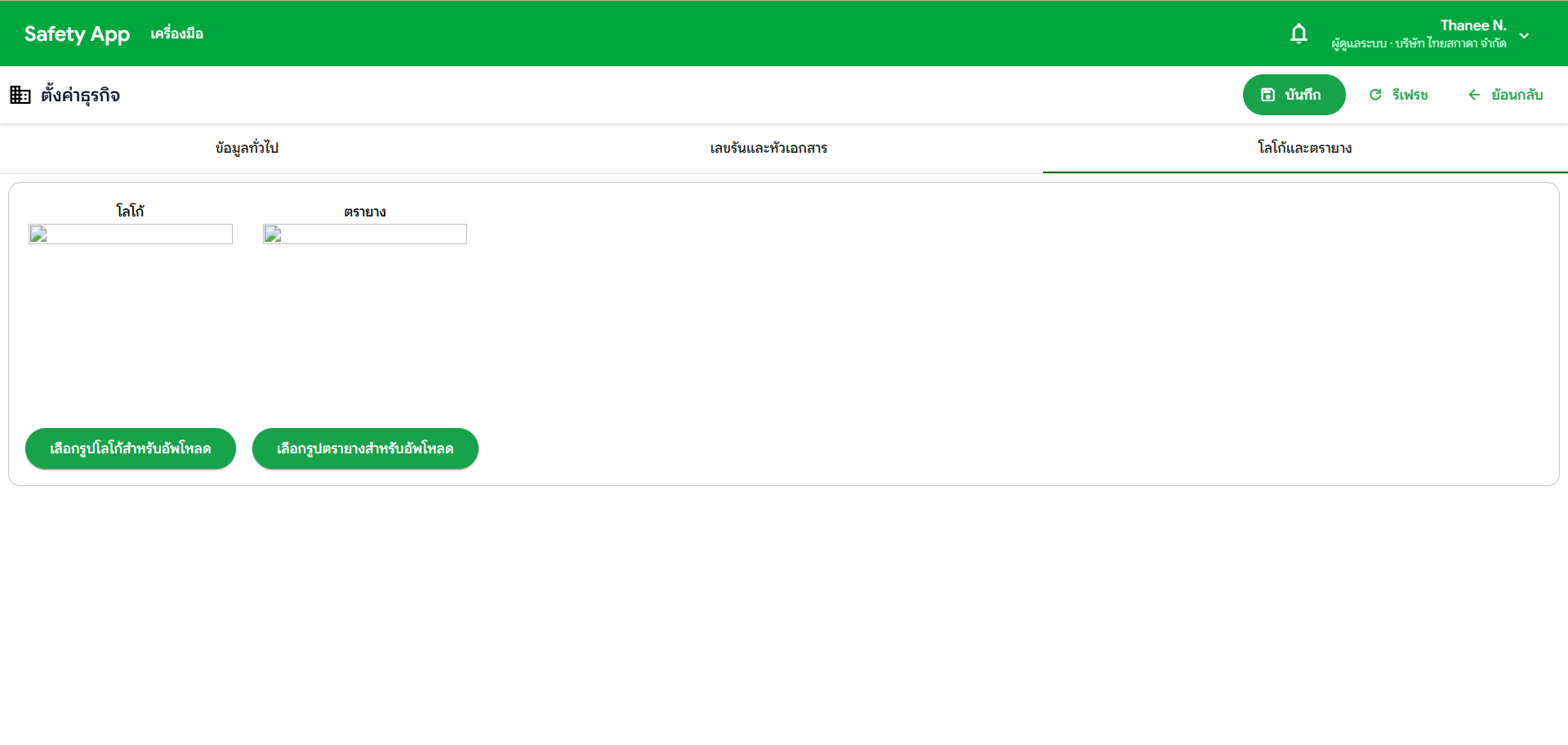
admin: ตั้งค่าธุรกิจ > โลโก้ตรายาง อัพโหลดรูปภาพไม่ขึ้น
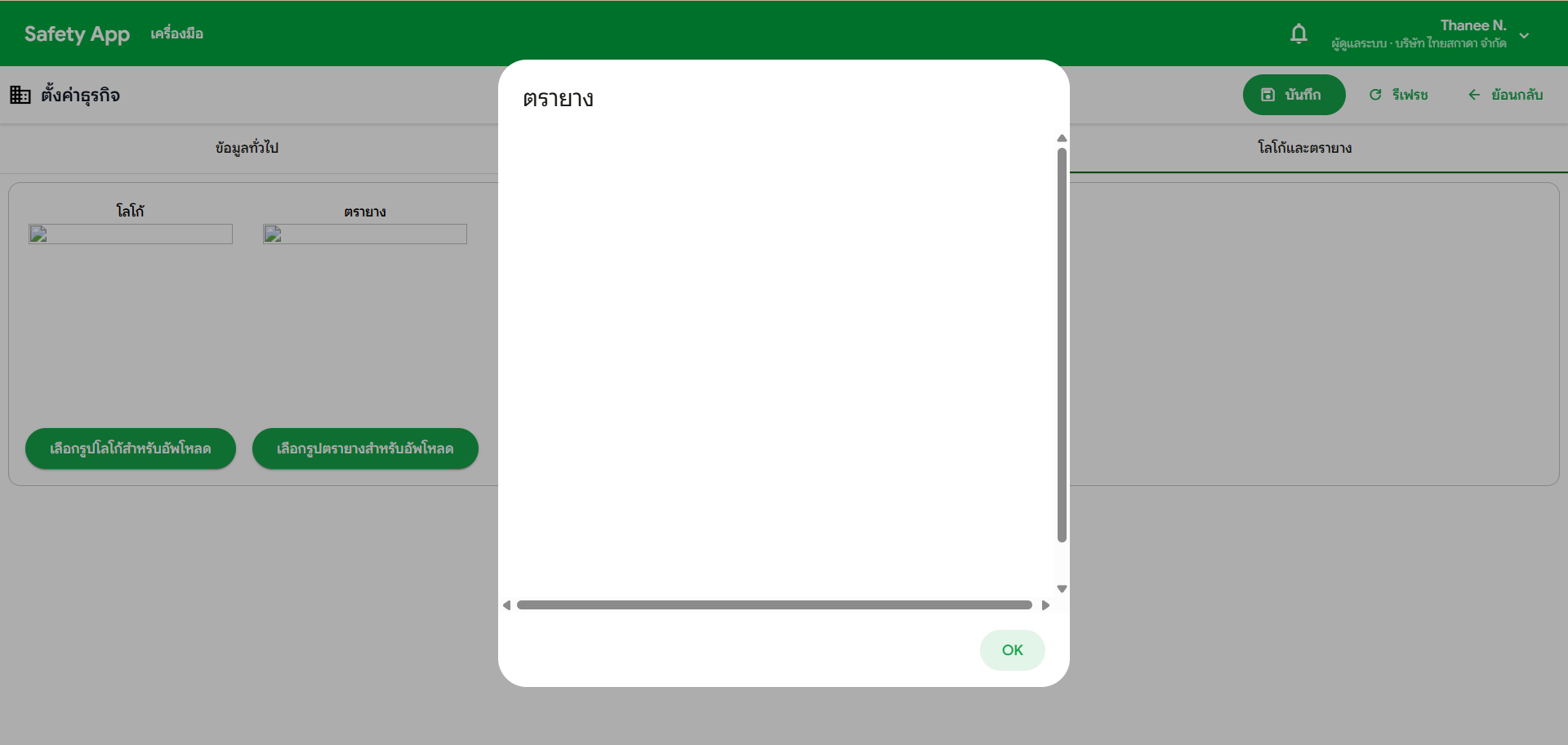
Admin cannot upload a stamp logo image in Business Settings. After uploading, the image does not display. Clicking to view shows a blank white screen.
Location
System Admin > ตั้งค่าธุรกิจ > โลโก้ตรายาง
Steps to Reproduce
- Login as System Admin
- Go to ตั้งค่าธุรกิจ
- Find the โลโก้ตรายาง (Stamp Logo) section
- Upload an image file
- Observe — Image does not appear after upload
- Click to view — Blank white screen
Screenshots
What to Test
| # | Test Case | Status |
|---|---|---|
| 1 | Upload stamp logo image → Image displays after upload | ⌛ Pending |
| 2 | View uploaded image → Shows correctly (not blank) | ⌛ Pending |
| 3 | Save and refresh → Image persists | ⌛ Pending |